
ai22 / SublyAI
Video translation and subtitles, processed in your browser
SublyAI is an AI studio that transcribes speech, translates it into more than 50 languages and exports either a subtitle file or a video with burned-in captions. The video file never leaves your computer. Only the extracted audio track goes to the cloud, and it is deleted as soon as the transcript is finished.
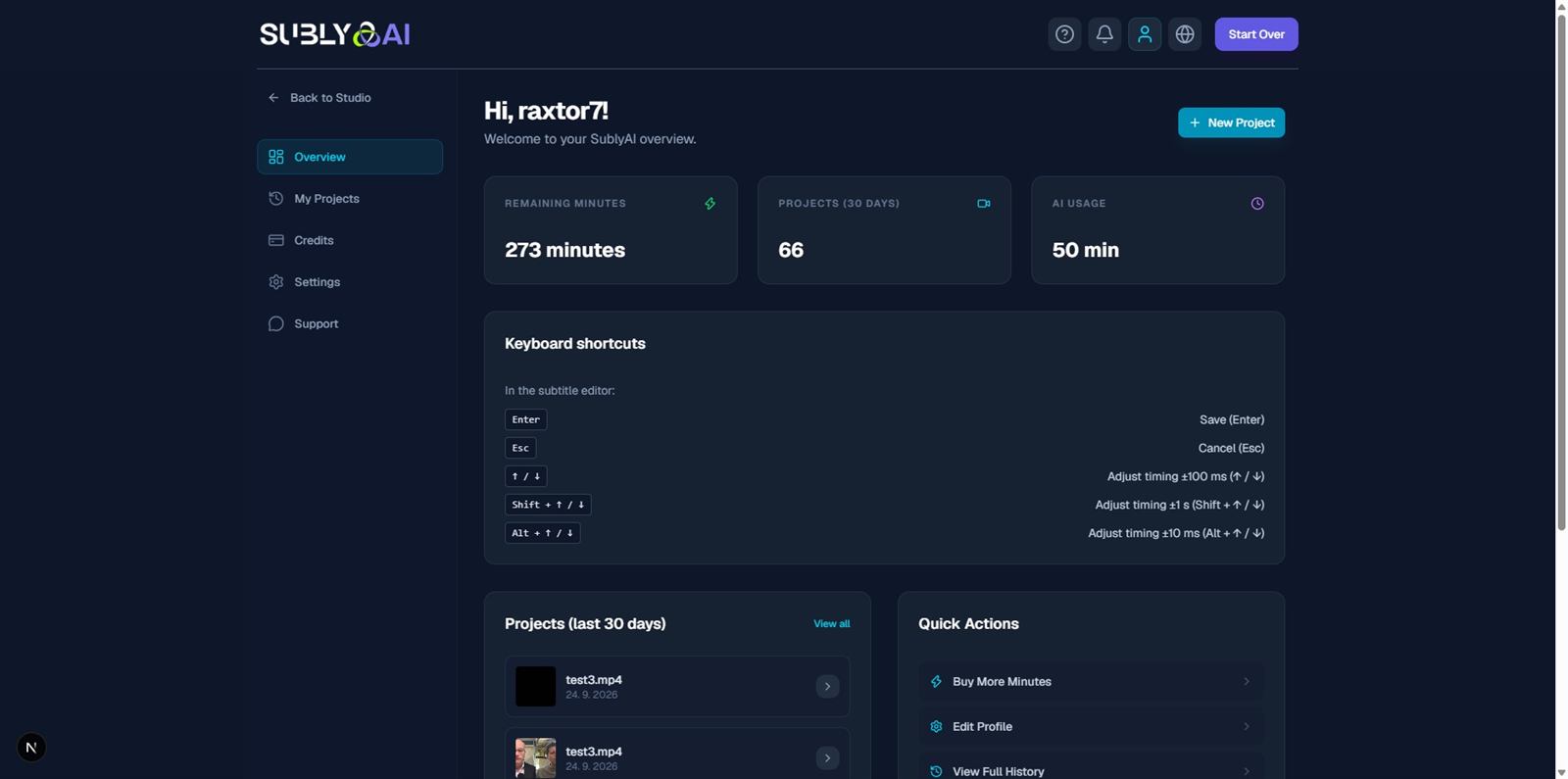
What it does
Most subtitle tools ask you to upload a finished video, wait in a queue and then download a processed copy. SublyAI reverses that: the video is opened and decoded locally in the browser, the audio track is separated out, and only that audio is sent for recognition and translation. The result comes back as text, and the final video is assembled again on your machine.
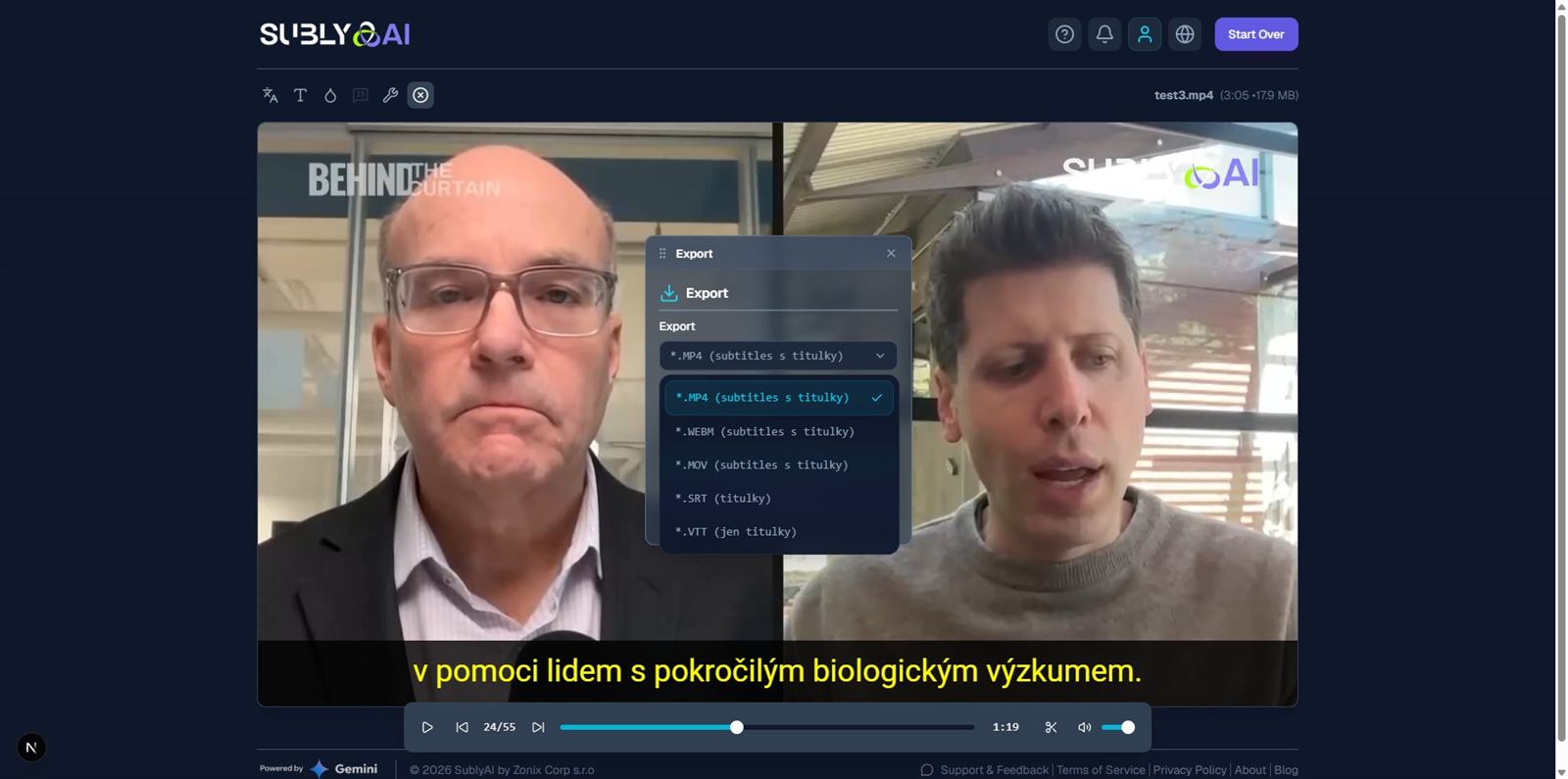
In one pass you get three things: a timed transcript in the original language, a translation of that transcript, and an export. Exports come in two shapes — a subtitle file (SRT or VTT) for use in an editor, or a finished video (MP4) with the translated subtitles rendered into the picture. A short AI-written summary of the content is generated along with them, ready to be used as a video description or a social post.
How a project runs
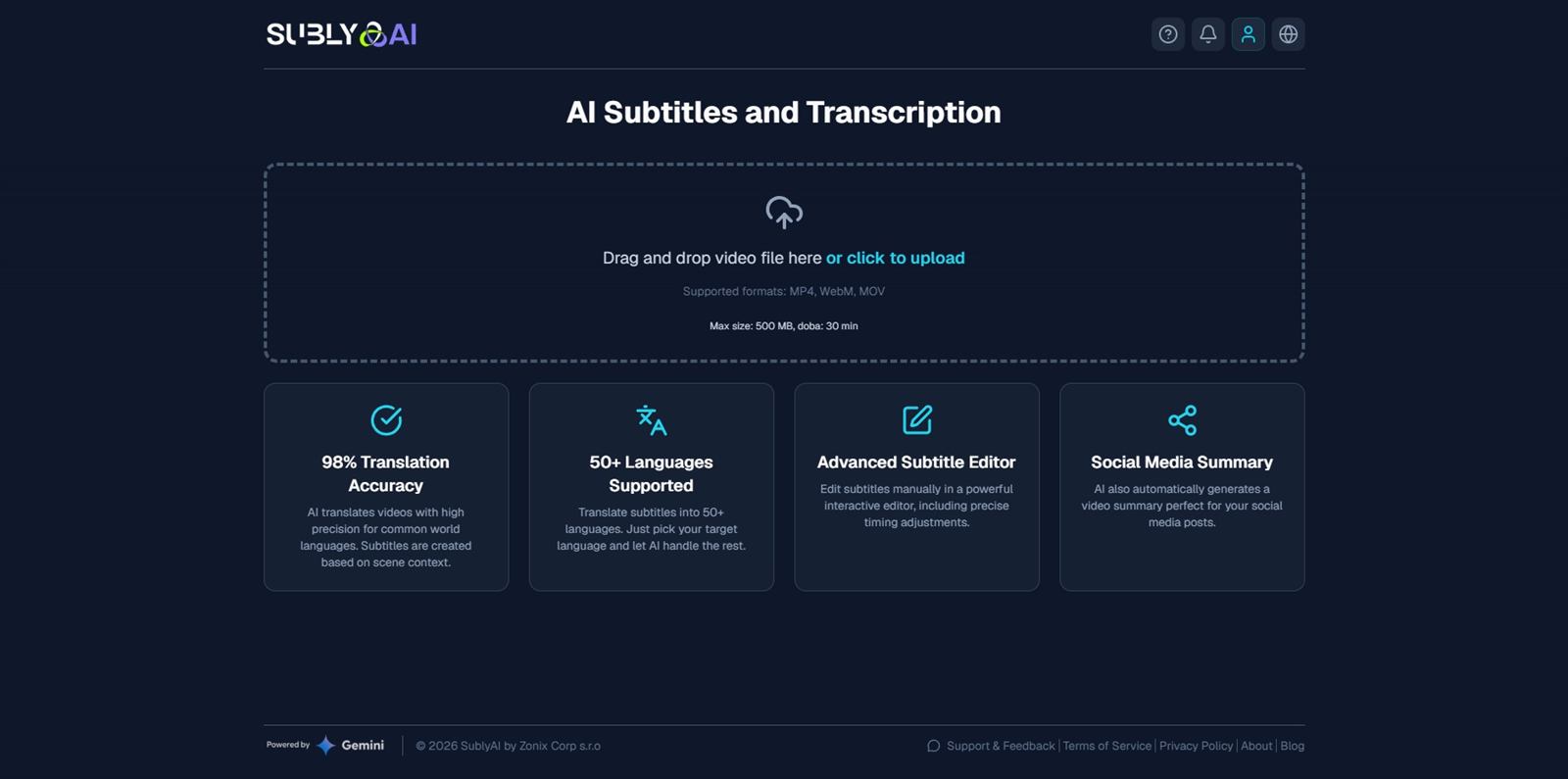
1. Drop in a file
SublyAI accepts MP4, WebM, MOV, AVI, FLV, 3GP, MKV, OGV and TS. One file can be up to 500 MB and up to 30 minutes long. Nothing is uploaded at this point — the browser checks the file and shows what it found.
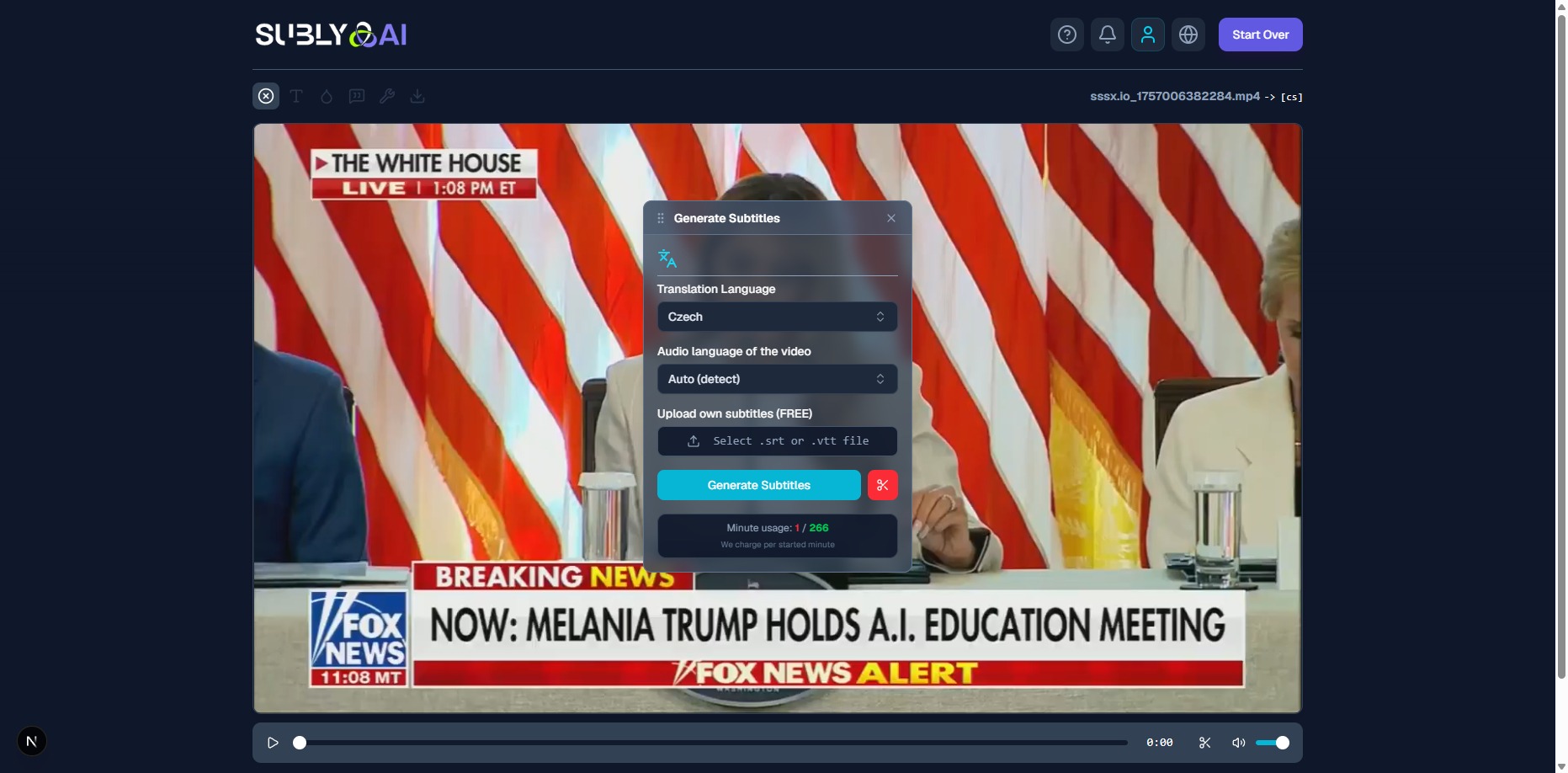
2. Choose the target language
The source language is detected automatically. The target is picked from a list of more than 50 languages, including English, Czech, German, Spanish, Russian, Ukrainian, French, Portuguese, Japanese and Chinese.
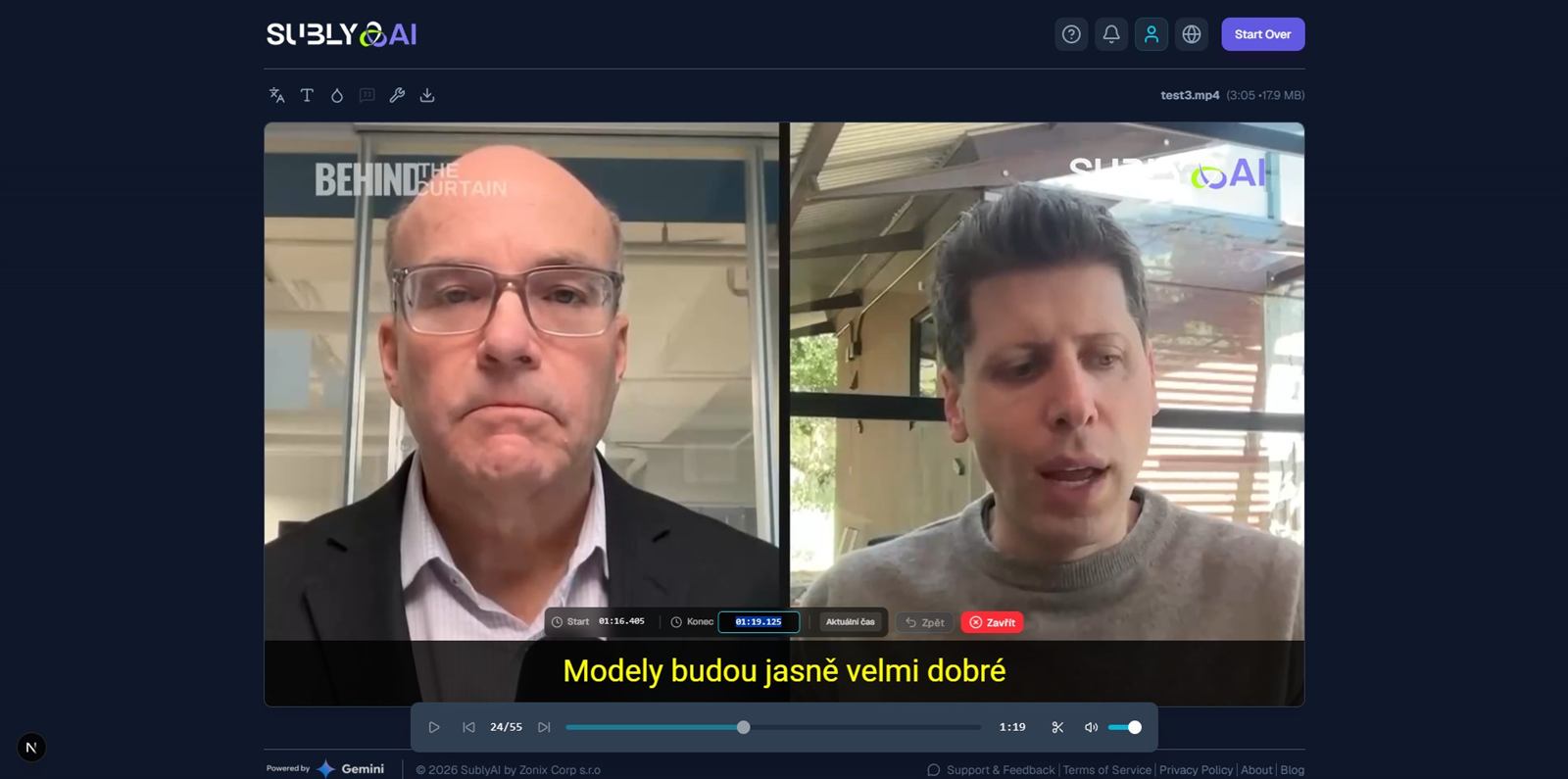
3. Read and correct the transcript
Transcription is handled by Deepgram; a second pass through Google Gemini refines the text and produces the translation. The transcript is shown as timed segments, so a misheard name or a wrong number can be fixed before anything is rendered. Editing here is what the exported video will contain.
4. Export
There are three canvas profiles — 16:9 for landscape video, 9:16 for Shorts, Reels and TikTok, and 1:1 for square placements — so the same project can be delivered in the shape each platform wants. Subtitle files go out as SRT or VTT. The burned-in video is assembled with WebCodecs inside the browser, which is why a 30-minute clip does not have to make a round trip through a server.
What it costs
There is no subscription. Minutes are bought in packs and do not expire, so a project done in March can still be finished in November. Fifteen minutes are free on registration, which is enough to run a couple of short clips end to end before paying anything.
| Pack | Price | Minutes | Per minute |
|---|---|---|---|
| Starter | $5 | 60 | $0.083 |
| Creator | $20 | 300 | $0.067 |
| Pro | $50 | 1000 | $0.050 |
The charge is for AI processing, not for storage or seats. There is no monthly fee and nothing is billed while the account is idle — a channel that publishes twice a month pays for two videos, not for thirty days.
What happens to your video
This is the part that differs most from a typical cloud converter, and it is worth being precise about:
- The video stays local. Decoding, preview and the final render happen in your browser. The file itself is not uploaded.
- The audio does leave the device. It is extracted from the video and sent to a secure cloud environment that only your account can read.
- It is deleted after transcription. Once the AI has produced the transcript, the audio file is removed from the cloud.
- Nothing is used for training. Audio and transcripts are not fed into model training.
So the honest description is "local video, cloud audio" — not "fully offline". If a recording contains something that cannot leave the building at all, SublyAI is not the right tool. If the concern is that a full-resolution video of a client, a prototype or an unpublished product ends up sitting in someone else's storage, the design removes that exposure.
Where it is actually useful
Short-form social video. One recording, three aspect profiles, subtitles burned in. The 9:16 pass is the reason the export panel exists — a landscape clip re-rendered as a vertical one with readable captions is otherwise a manual job in an editor.
Video that already has subtitles baked in. A large share of published video has captions burned into the picture and no separate subtitle file. SublyAI can detect and cover the existing text with the new language instead of stacking two sets of subtitles on top of each other. The original is hidden, not duplicated.
Interviews, lectures and recorded calls. The transcript export (SRT, VTT) is often more valuable than the translated video: it makes the recording searchable, quotable and accessible. The AI summary covers the case where nobody is going to read the whole thing.
Recurring multilingual publishing. Because minutes do not expire and there is no monthly fee, a channel that publishes twice a month is not paying for twenty-eight empty days.
Limits worth knowing before you start
- 500 MB and 30 minutes per file. Longer recordings have to be split first.
- Browser-based rendering needs a current browser. The export relies on WebCodecs, so an older browser or a locked-down corporate build may refuse to render the video.
- Nine input containers, three output shapes. MP4, WebM, MOV, AVI, FLV, 3GP, MKV, OGV and TS in; MP4, SRT and VTT out.
- Translation quality tracks the transcript. Names, technical terms and overlapping speech are where automatic recognition slips first — which is why the segment editor is step three and not an afterthought.
Questions
Do I need to install anything?
No. SublyAI runs in the browser. There is no desktop app, no plugin and no upload of the source video.
Is my video uploaded to a server?
No. Only the extracted audio track is sent, and it is deleted once transcription finishes.
Do the minutes expire?
No. Bought minutes stay on the account until they are used.
Is there a subscription?
No. You buy minutes; there is no recurring charge. Fifteen minutes are free at registration.
Which languages are supported?
More than 50 targets, with automatic detection of the source language. English, Czech, German, Spanish, Russian, Ukrainian, French, Portuguese, Japanese and Chinese are all on the list.
Can it subtitle a video that already has burned-in subtitles?
Yes. The existing text is covered by the new subtitles rather than left visible underneath them.
What does a minute of video cost?
Between $0.050 and $0.083 depending on the pack — $5 for 60 minutes, $20 for 300, $50 for 1000.
SublyAI is built by ai22 / Zonix Corp s.r.o. — open the app, read the manual, or see the other projects.